URL link
Sequential function - switch to the icon in several states with a different result.
To use the function:
- Adjust the data in the report as you need
- Set the URL function to the desired state
- Activate by the "Search" button.
Activating and deactivating url links is often used when exporting to Excel "
Export to Excel".
Url links are permanently connected to the entity and are transferred into the file when exporting into Excel. If you have a report for export to XLS with a large number of lines and entities containing url links, the total xls file may be even 25% kB larger than when making the export with url off.
The second reason for deactivating url when exporting is that exported entities still have connected urls in the Excel, which may be undesirable for future work with data in the Excel.
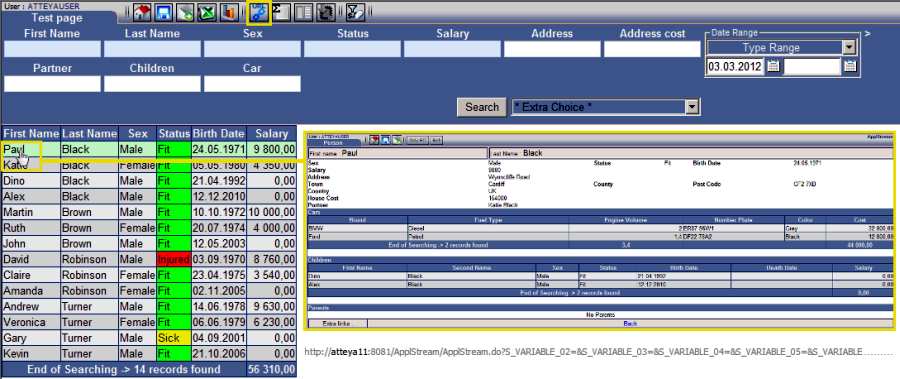
Fig. No. 1
"Basic" - this type of url is used for connecting with the detail of an item or connecting to another module.
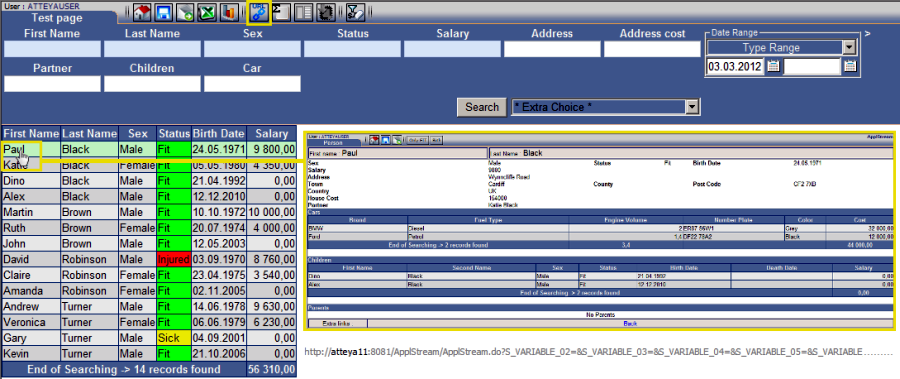
Fig. No. 2
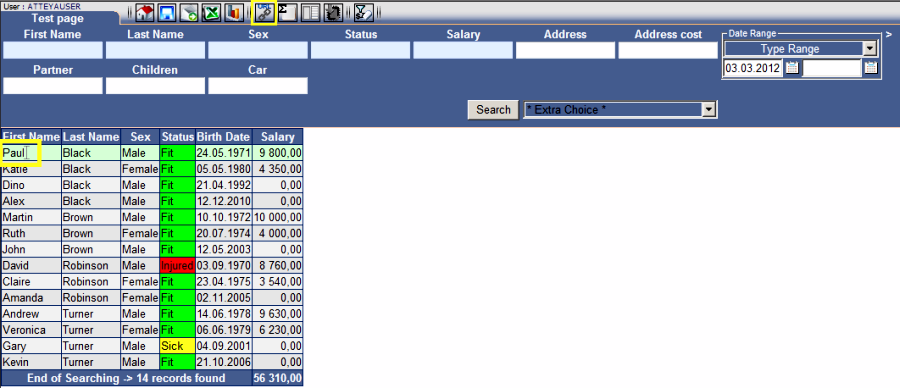
If the URL is turned off, all links to details and related information in reports will stop working.
Fig. No. 3
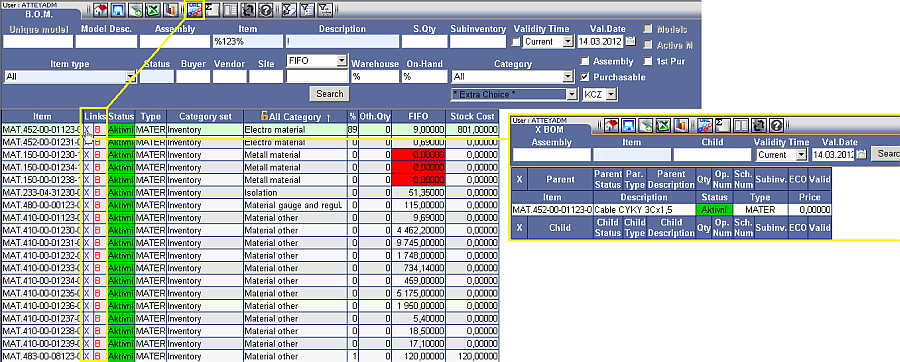
"Advanced" - this type of url is used in the ApplStream application and enables advanced functions in the "B.O.M" module.

![[img]](/site/images/menu/menu_products_services.png)
![[img]](/site/images/menu/menu_solutions.png)
![[img]](/site/images/menu/menu_support.png)
![[img]](/site/images/menu/lock_users.png)
![[img]](/site/images/menu/set_logo_149x61.png)
![[img]](/site/images/menu/menu_partners.png)
![[img]](/site/images/menu/mezera.png)
![[img]](/site/images/menu/line_vertical.png)
![[img]](/site/images/menu/lock_partners.png)
![[img]](/site/images/menu/menu_about.png)