
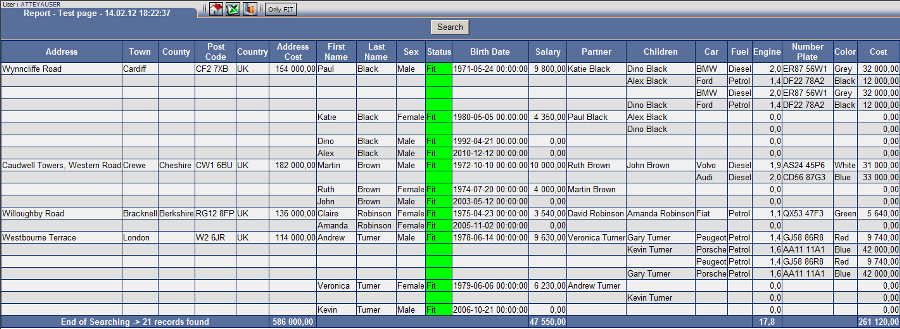


The advantage of storing in the memory comes up when we need to repeatedly view the data in the report, when the report is large and on-line generating takes too long.
Storage will not burden the database in the future and saves time when displaying data.
If you save data in the internal memory, they will always be off-line when displayed and they cannot be updated.
 |
 |
 |
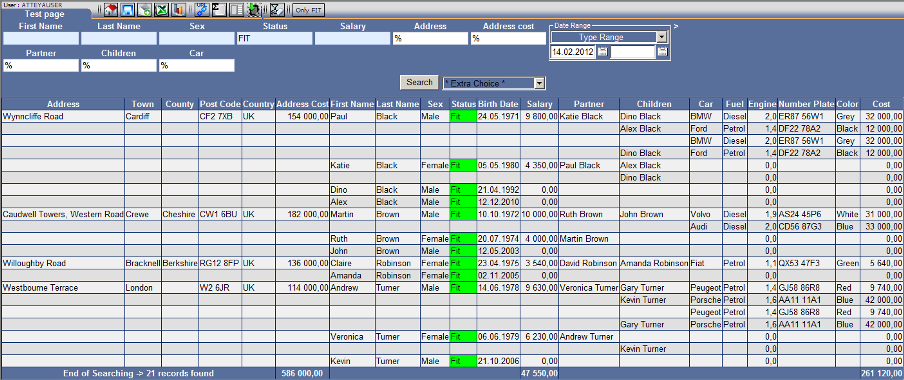
- Set the form to generate the resulting report as you need Fig. No. 1.
- Switch the icon to "Internal memory On"
- Activate by the "Search" button.
Fig. No. 2
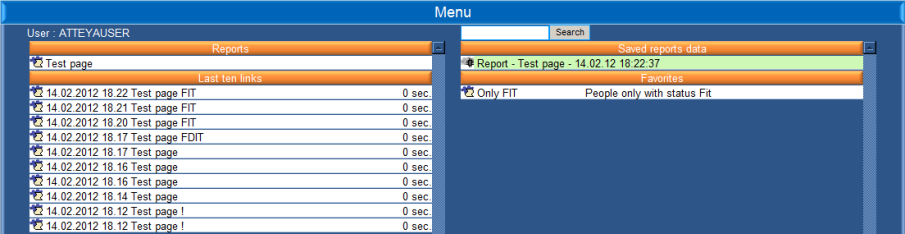
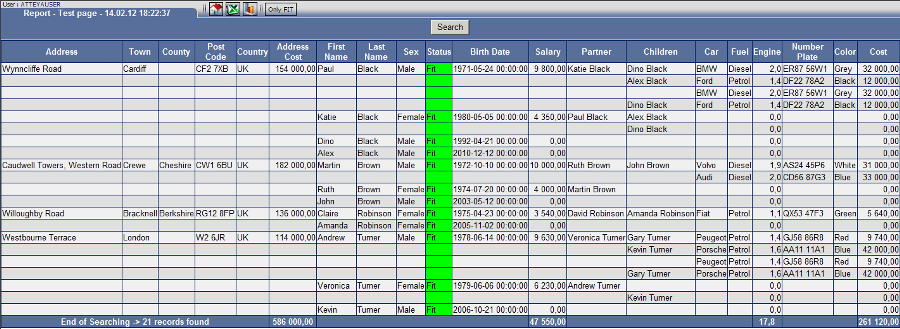
The report will automatically start downloading into the internal memory of the user. The report may be displayed in the "Menu" section through "Saved reports data".
Fig. No. 3
You can export the displayed data stored in the memory into Excel or use them to generate a graph.