


 |
 |
 |
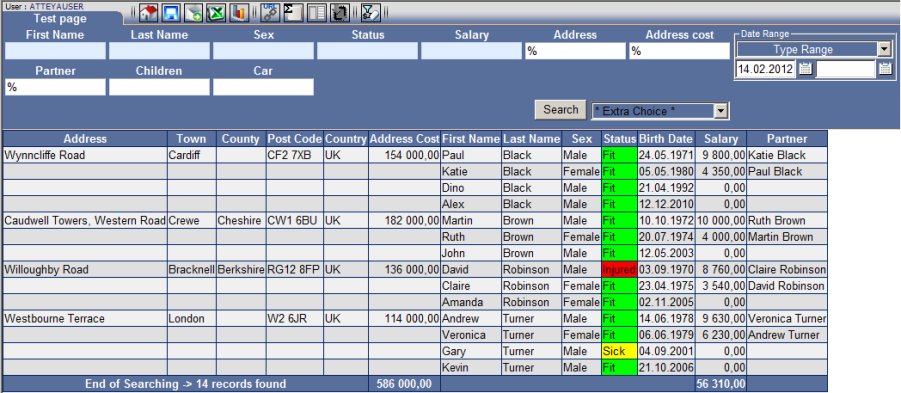
- The first basic level of summarization allows the creation of a report containing the summarized values and their detailed lines forming the sum.
Procedure
Result Fig. No. 2.
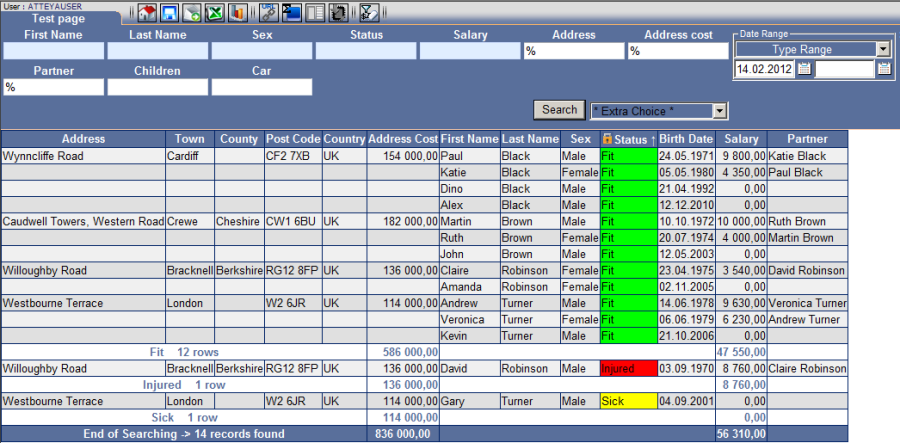
The basic level of summarization may be set by:
1. Sort parameters in the column to be summed.
2. Set the summarization function to the blue position.
3. Activate by the "Search" button.
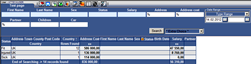
Result Fig. No. 3
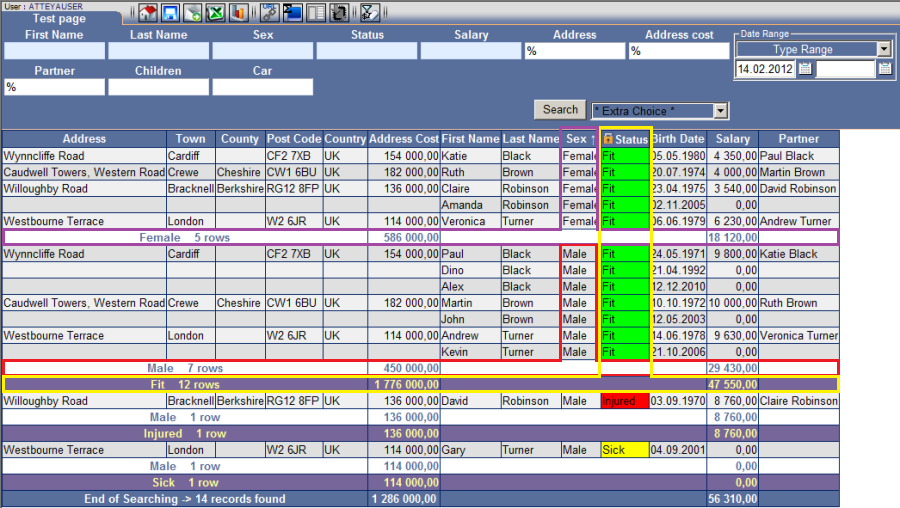
Advanced variant of the basic summarization level:
4. Lock the first basic column by clicking on the lock icon next to the column name.
5. Sort the parameters in the second column.
6. Activate by the "Search" button.
-
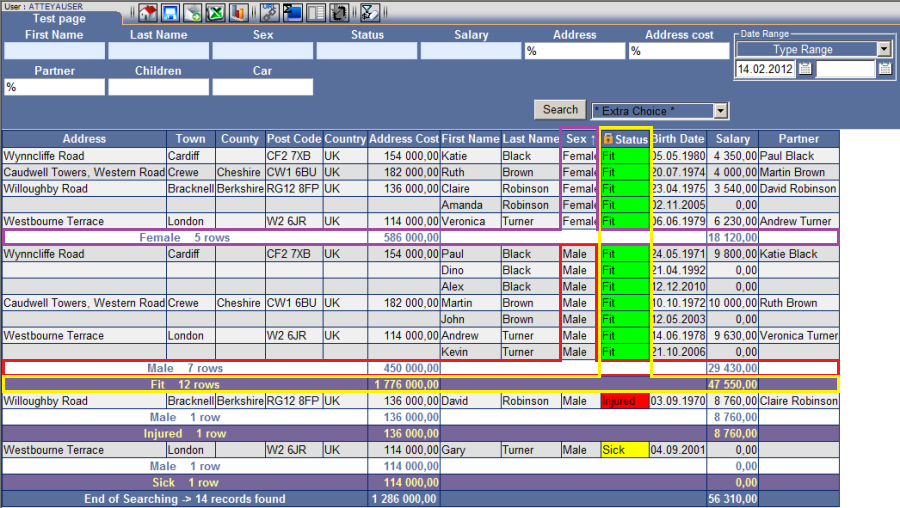
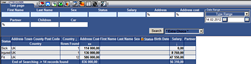
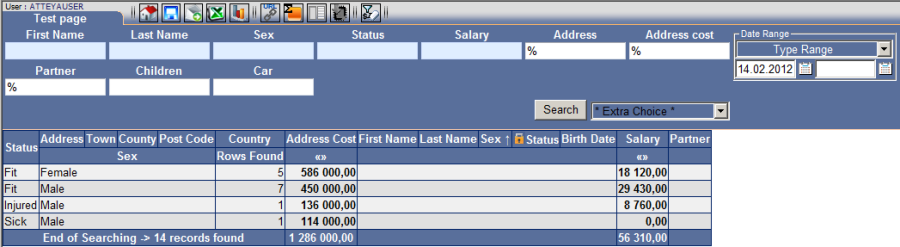
The second level of summarization display only summarized values without detailed lines.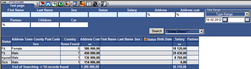
Procedure
Result Fig. No. 4
1. Sort parameters in the column to be summed.
2. Set the summarization function to the orange position.
3. Activate by the "Search" button.
It is possible to quickly exchange parameters by simply clicking on the header of another column.
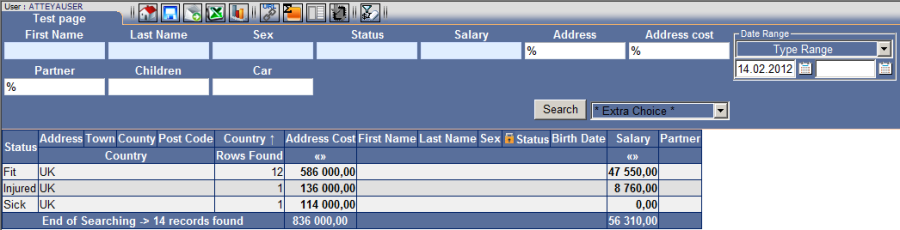
Report Fig. No. 4 has the columns for summarization named "Status" (locked) and "Sex"; by clicking on the "Country" column we can exchange it with "Sex".
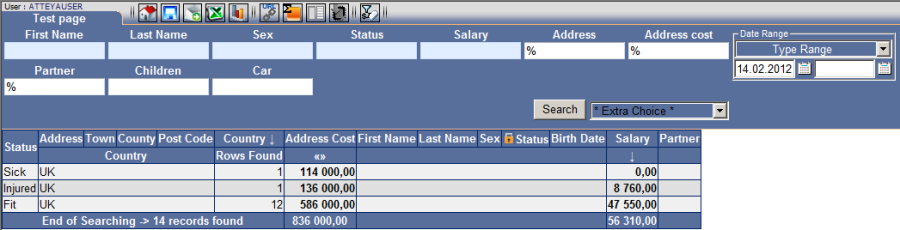
Sorting of values Fig. No. 5 may be done by clicking on "
 " Fig. No. 6.
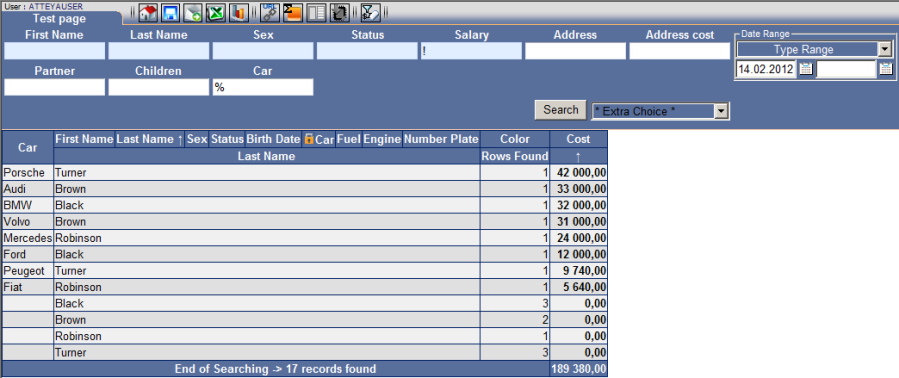
If you wish to exchange the main locked column, the lock needs to be deactivated and the new column needs to be locked. The whole action may be carried out in the summarization status.
Example
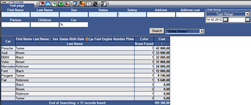
Fig. No. 6 Key column "Status" switch to key column "Car" Fig. No. 7.